How to check your credit reports before a mortgage
Preparing to buy a home or remortgage? Use this checklist to find your credit reports, review the entries and organise questions about anything that looks wrong.
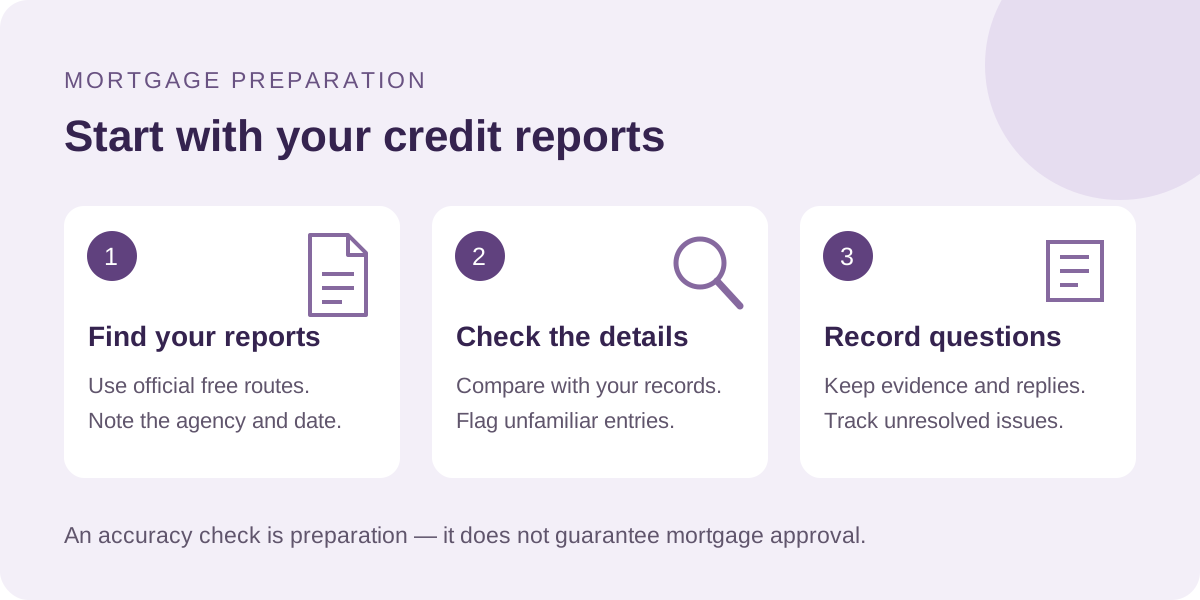
1. Find the free report routes
Start with MoneyHelper’s credit-report guide, which links to the agencies’ statutory reports. These are free; checking your own report does not affect your credit score. You do not need a paid monitoring subscription.
MoneyHelper lists Experian, Equifax, TransUnion and Crediva. Information can differ between agencies, so use its links to check each report. Record the agency and the date you obtained it.
A report contains account information; a score is a summary indicator. A high score does not guarantee a mortgage. Keep your wider first-time-buyer preparation or remortgage preparation separate from this accuracy check.
2. Work through the details
Review each report against your own records. Check:
- Your name, date of birth and address history.
- The accounts shown, their balances and payment records.
- Financial links to other people and electoral-register information.
- Entries or applications you do not recognise.
Make a private note of anything you want explained. A difference between reports is a question to investigate, not proof that an entry is wrong.
3. Raise a possible error with the right organisation
The ICO’s credit guidance explains that you can raise an inaccuracy with the agency. You may also need to contact the lender or organisation that supplied the entry.
Identify the entry, explain what seems incorrect and ask what evidence is needed. Keep the response and any reference number with your notes. If the issue remains unresolved, the ICO guidance explains when a complaint about inaccurate personal information may be appropriate; the ICO does not decide financial disputes.
If an unfamiliar entry could be fraud, contact the relevant organisation’s fraud team using its official contact details. Follow the ICO guidance for further reporting routes.
Accurate negative information cannot simply be removed because it is unhelpful to an application. MoneyHelper explains errors and notices of correction if you need to understand the distinction.
4. Keep a short action record
Use these headings in your own notes; this is an organising aid, not a lender’s required form:
- Report: agency and date checked.
- Question: which entry needs explaining and why?
- Evidence: where have you saved the relevant record?
- Contact: who did you ask, on what date, and with which reference?
- Status: unanswered, being investigated or confirmed resolved.
For example, if you believe a payment has been recorded incorrectly, keep the relevant statement and ask the named provider to explain the entry. Record the answer before marking the issue resolved.
5. Prepare your mortgage questions
Tell the advisor which questions remain open and ask what information they need before proceeding. Do not assume that requesting a correction means it has already been made or that a mortgage will be approved.
Keep reports and account details private. You do not need to put them into this website’s callback form. If documents are requested later, confirm how to share them securely with the recipient.
For a first purchase, use the first-time-buyer enquiry route. If you already have a mortgage, use the remortgage callback below. These existing forms explain the referral to MGI Network Ltd, the advice partner.
Sources
- MoneyHelper: how to check your credit report for free — report access, contents and score limitations.
- ICO: credit information — inaccurate entries, responsible organisations and reporting concerns.
- MoneyHelper: how to improve your credit score — mistakes and accurate negative information.
Information checked 17 October 2026. General information, not a personal mortgage recommendation.
Discuss your circumstances